
Chart of Accounts & QuickBooks Setup Kit
Start with a chart that fits your business.
Choose from four editable charts for service, retail, contractor, and nonprofit organizations. Review what will change before you import, then follow the checklist at month-end.
From a blank chart to a monthly routine.
Choose one template. Keep the accounts that fit your business, review the changes, and finish each month with the same set of checks.
-
Choose a chart
Start with your industry
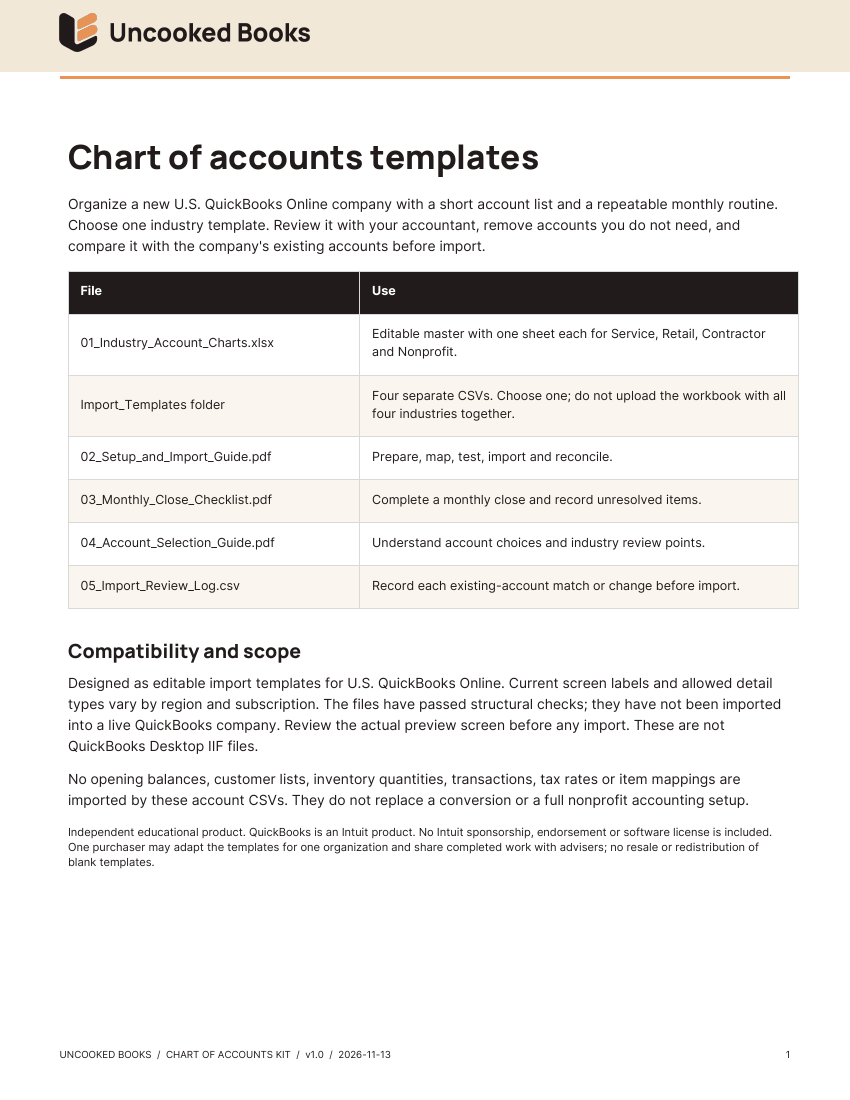
Use one of four CSV templates for service, retail, contractor, or nonprofit organizations. The editable Excel workbook lets you compare all four.
-
Review the import
Check the mapping first
The setup guide and review log help you compare accounts, record what changed, and check the QuickBooks import preview.
-
Close the month
Make the review repeatable
Use the monthly close checklist to reconcile records, review open balances, and write down issues that need a follow-up.
See what an account list looks like.
Here’s a small excerpt from the service-business chart. Each row gives a transaction type a consistent place in the books.
| Account name | Type |
|---|---|
| Operating checking | Bank |
| Service revenue | Income |
| Direct delivery supplies | Cost of Goods Sold |
| Office and software | Expenses |
Before you choose the kit
Who is it for?
Owners and bookkeepers setting up a U.S. QuickBooks Online company or reviewing an existing chart of accounts. It includes service, retail, contractor, and nonprofit starting points.
Will the CSV upload work with my company?
QuickBooks account options can vary by subscription and company setup. Compare the template with your existing accounts and review the live import preview before accepting changes.
What will I receive?
Kit will deliver a ZIP after payment. Inside are four editable CSVs, an Excel workbook, PDF setup and account-selection guides, a monthly close checklist, and an import review log. QuickBooks software is sold separately.
Does this handle opening balances or a full migration?
The kit covers chart-of-accounts setup and review. Work with your accountant for opening balances, transaction history, or a full migration.
An independent Uncooked Books resource for QuickBooks Online.
Start with the records you have.
Use the free checklist to review one month while the QuickBooks kit is in preparation.